
Enhance image quality
in seconds
free trial and online
Enhancing image quality is easy with our AI: it analyzes every pixel, restores details and upscales up to 4X without downloading anything. Start your free trial — no signup required.
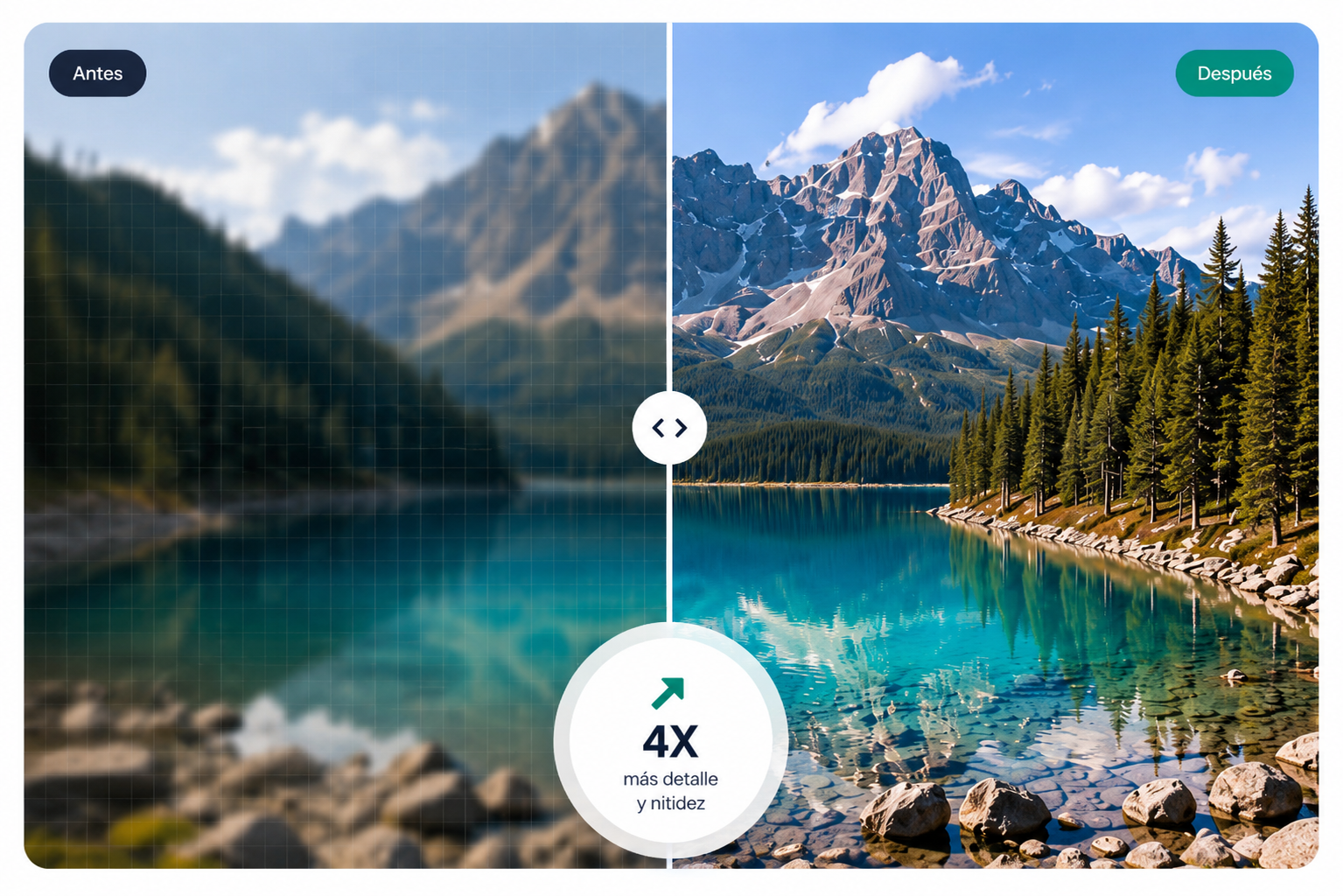
enhance image quality online with AI
1. Upload your image
Formats: JPG, PNG, WebP · Max size: 10MB
Your images are safe and deletedautomatically within 24 hours.
2. Enhancement options
Upscale
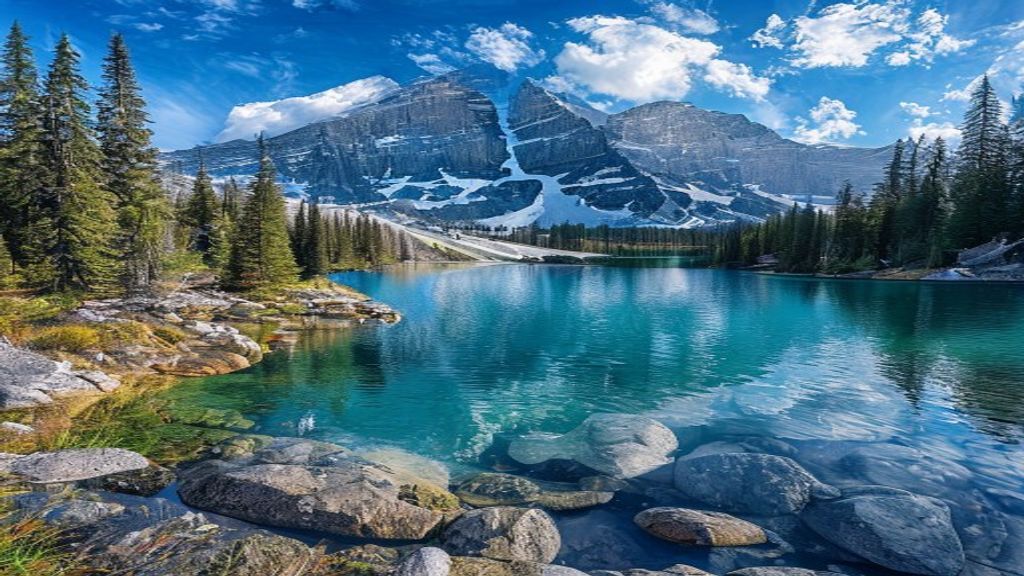
Why enhance your images with us
Our AI doesn't just stretch pixels like simple resizing: it predicts and generates coherent new pixels to enhance image quality with sharp results that traditional scaling cannot achieve.
Fix pixelated photos instantly
If you have a pixelated image, the AI reconstructs missing details through deep learning, analyzing patterns and textures to generate new pixels and eliminate the pixelated effect. With one click you transform faulty graphics into sharp results.
Scale to HD without downloading software
All processing happens in the cloud, so you don't need to download or install any software on your computer. You just need an internet connection for the AI to process the image on remote servers and enhance image quality instantly from any device: Windows, Mac, mobile or tablet. The computational power runs in the cloud instead of exhausting your machine's resources, freeing up disk space.
Improve sharpness of blurry photos with AI
When a photo is blurry, the contours are diffused. Our AI identifies these areas and reconstructs details based on learned patterns, generating pixels that refine edges and restore sharpness without altering the essence of the shot.
Enhance quality with one click, no editing
No advanced skills required. Drag your file, hit enhance and the AI does the work automatically: analyzes every pixel, reconstructs details and removes noise without moving a single slider. Professional results in seconds.
How to enhance quality in 3 steps
The process for improving your images is surprisingly simple and boils down to three steps. No editing experience or software installation needed.
Upload the image to enhance quality
Drag and drop or select the file from your device. We support JPG, PNG, and WebP up to 10 MB. No signup or account required.
AI processes it
Our AI model analyzes the image pixel by pixel with neural networks trained on millions of image pairs to generate coherent new pixels. It applies upscaling up to 4X and color correction. Everything happens in the cloud without consuming resources on your device.
Download the result
In seconds you get your enhanced image in high resolution. No watermarks or signup required. Save your photo and use it wherever you want: prints, social media, portfolios, or presentations.
Plans and pricing
Start for free and enhance image quality whenever you need to. No commitment, cancel anytime. All plans include up to 4X upscaling, noise removal, and automatic color correction.
Basic
For quick fixes and light use
- 80 images
- Credits expire after 365 days
- 4X upscale
- No watermark
Pro
For frequent use and professionals
- 200 images
- Credits expire after 365 days
- 4X upscale
- No watermark
Studio
For creators with higher volume
- 650 images
- Credits expire after 365 days
- 4X upscale
- No watermark
Starter
For personal image enhancement
- 120 images/month
- Credits refresh monthly
- 4X upscale
- Priority queue
- Batch mode
Pro
For frequent use and professionals
- 320 images/month
- Credits refresh monthly
- 4X upscale
- Priority queue
- Batch mode
Studio
For creators with higher volume
- 900 images/month
- Credits refresh monthly
- 4X upscale
- Priority queue
- Batch mode
Starter
For personal image enhancement
- 1,440 images/year
- Credits expire after 365 days
- 4X upscale
- Priority queue
- Batch mode
Pro
For frequent use and professionals
- 3,840 images/year
- Credits expire after 365 days
- 4X upscale
- Priority queue
- Batch mode
Studio
For creators with higher volume
- 10,800 images/year
- Credits never expire
- 4X upscale
- Priority queue
- Batch mode
What our users say
Thousands of people already trust our tool to enhance image quality every day.
For years I searched for a reliable way to improve my old, blurry photos. The AI doesn't just stretch pixels — it generates new, coherent information, reconstructing lost details. Now I can deliver sharp images ready to print effortlessly.
I use it daily to upscale client images that need extra resolution. AI upscaling generates new pixels from learned patterns, unlike traditional resizing. It saves me hours of manual work with much sharper results.
Perfect for enhancing social media photos before posting. No installation or signup needed: I drag the file and the AI processes it in seconds anonymously. Enhancing image quality has never been this easy for my daily work.
I need to upscale floor plans and renders to high resolution for presentations. The AI scales details without losing sharpness and with no watermarks — ideal for large-format printing.
My travel photos always come out a bit blurry from motion. With one click the AI fixes the image and gets it blog-ready. Quick and no signup required — amazing.
Property photos look way better after enhancing the quality. Clients notice the difference and visits increase. Batch processing saves me a lot of time.
Frequently asked questions
Everything you need to know before enhancing your images with artificial intelligence.
Ready to transform your images?
Enhancing image quality no longer requires expensive software or advanced knowledge. With our AI you can fix pixelated photos, increase resolution and improve sharpness in seconds. Try it with your free credits — no signup required.